See Your Ink
Before You Commit
No needles. No regrets.
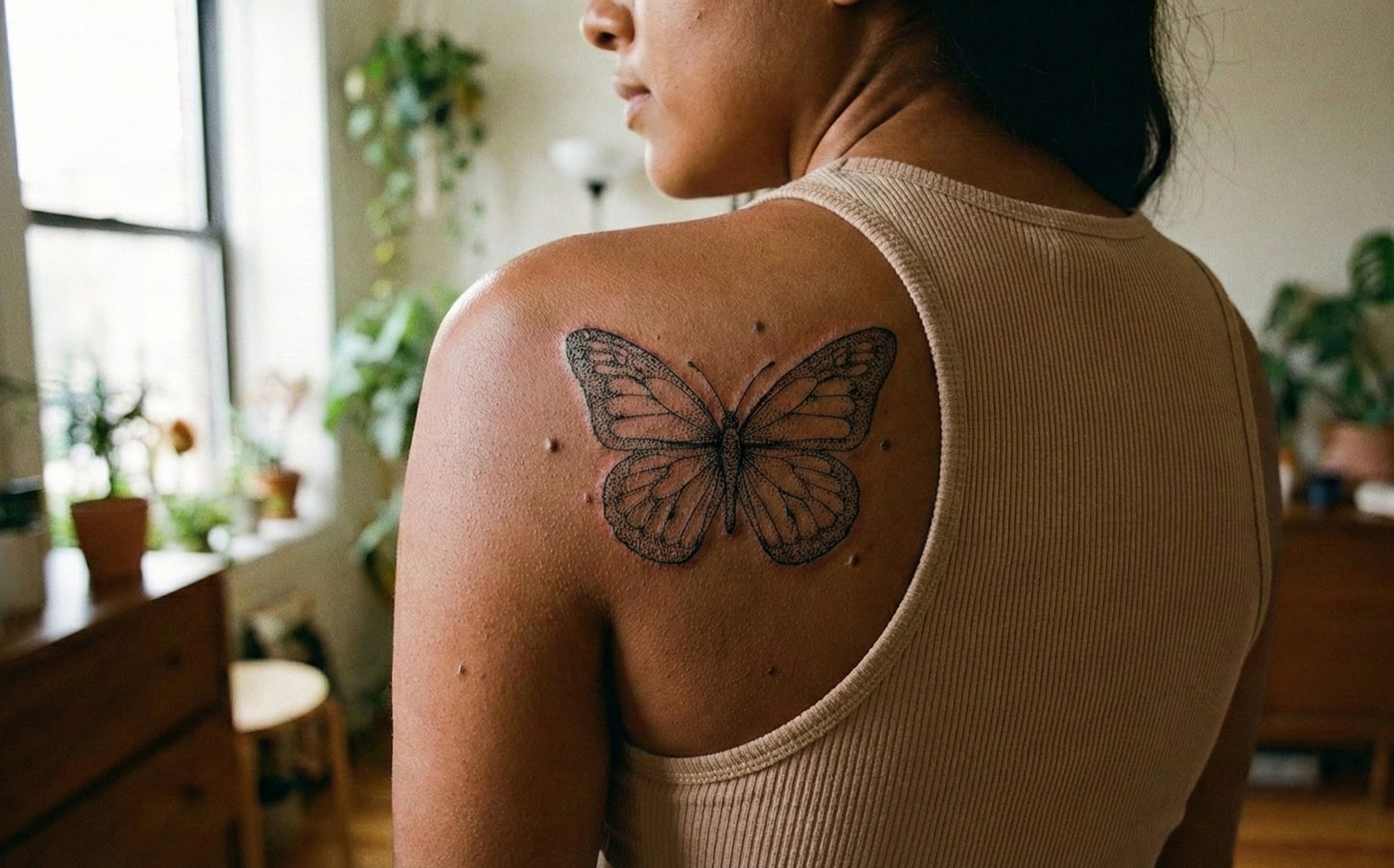
Upload a photo. Pick a design. See it on YOUR skin in seconds.
Try 2 tattoos free • No card required
3 Steps. 30 Seconds.
That's all it takes
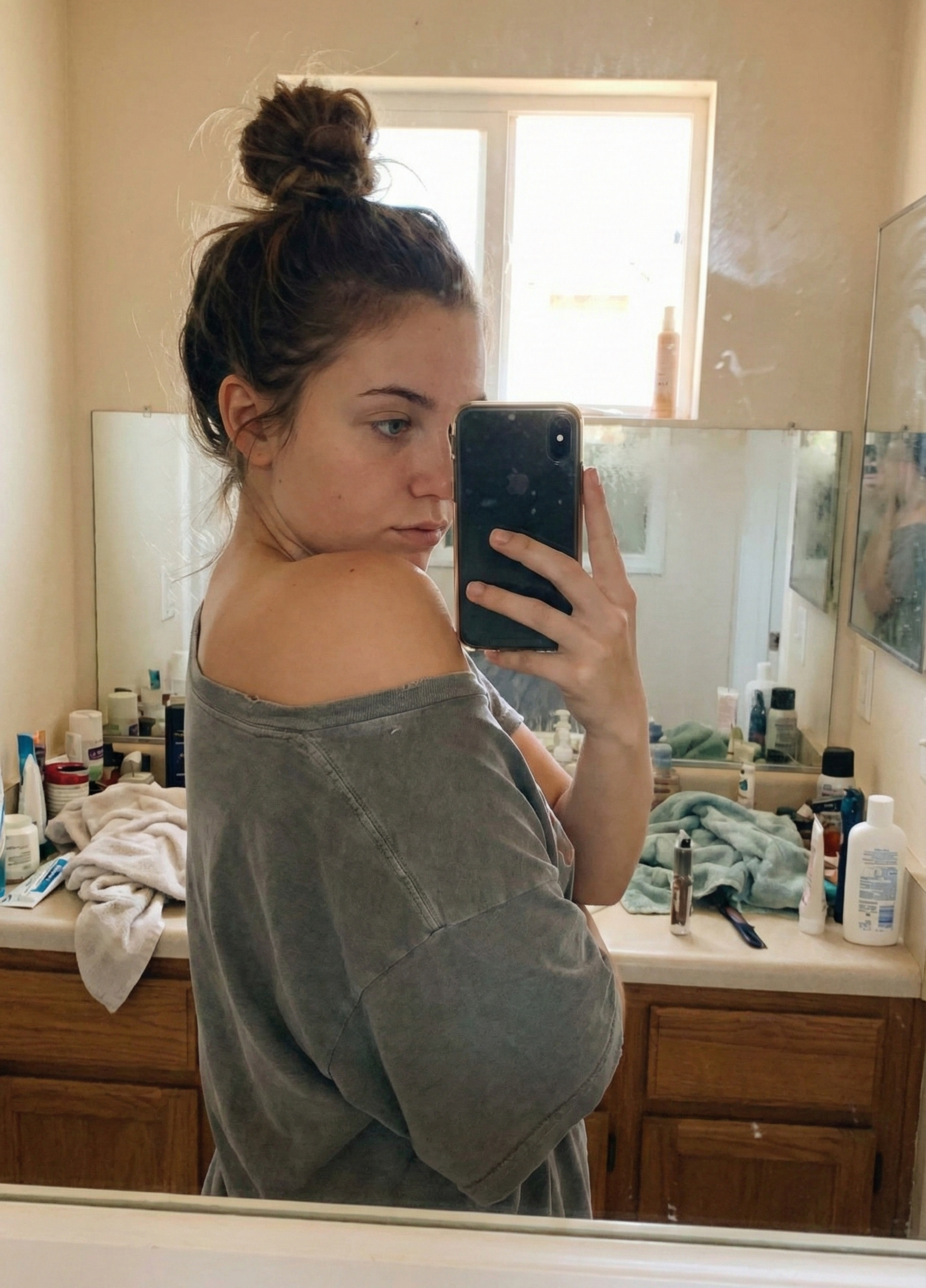
Upload Your Photo
Snap a pic of where you want it
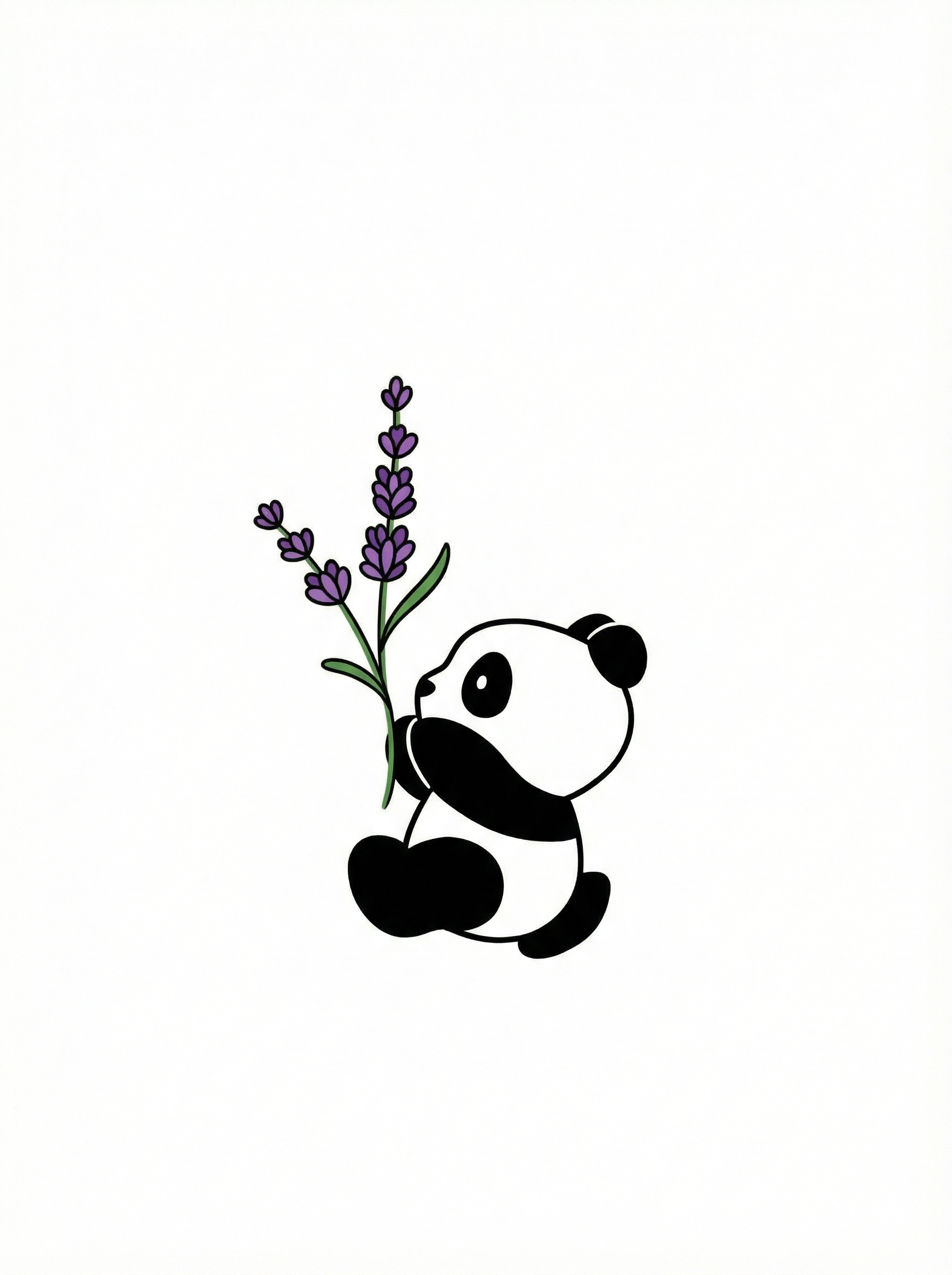
Pick a Design
Choose from 50+ designs or convert your own image
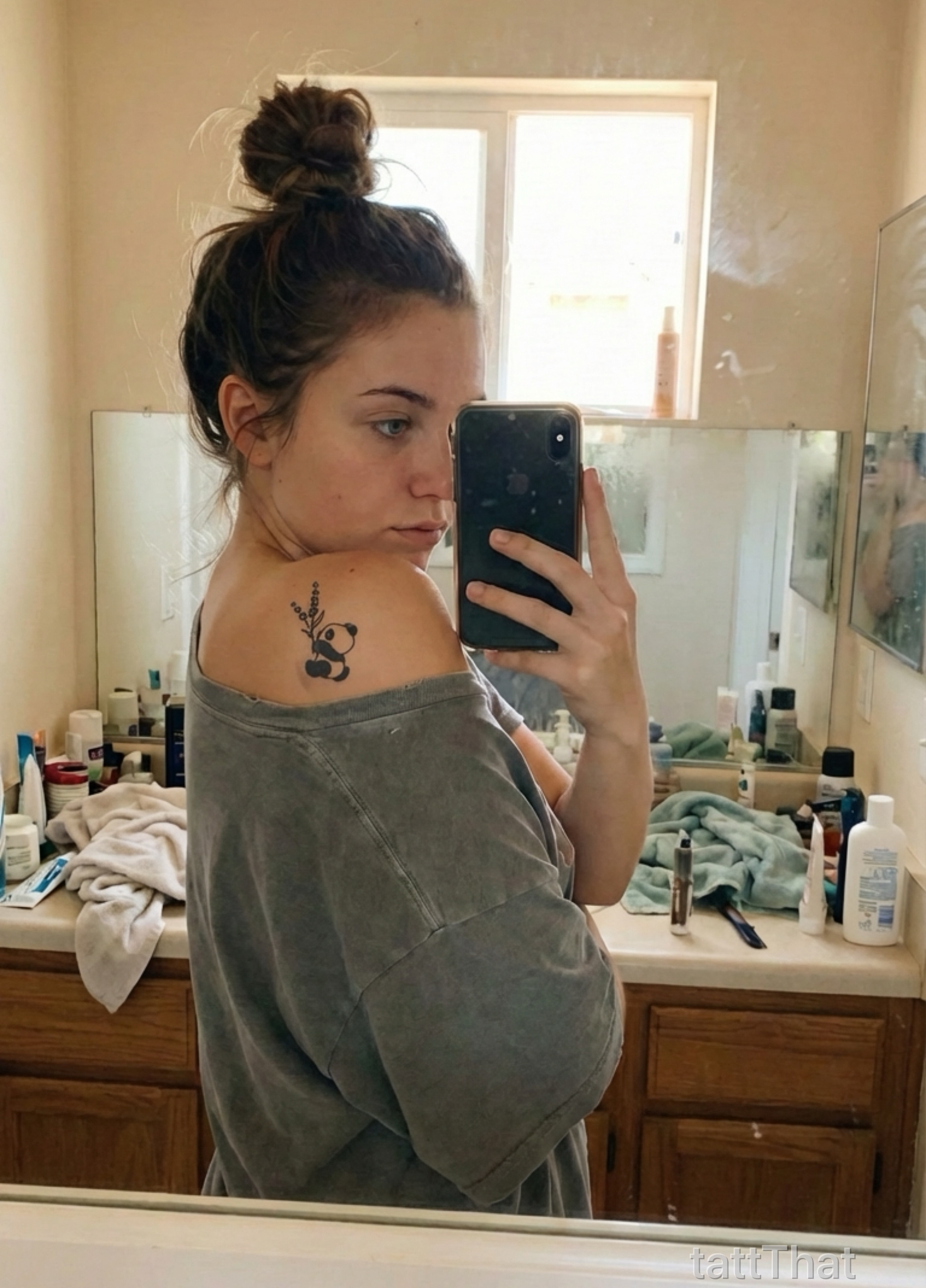
See Your Tattoo
See your tattoo come to life in seconds
Turn Any Image Into Ink
Your pet. Your sketch. Your memory. Made tattoo-ready.
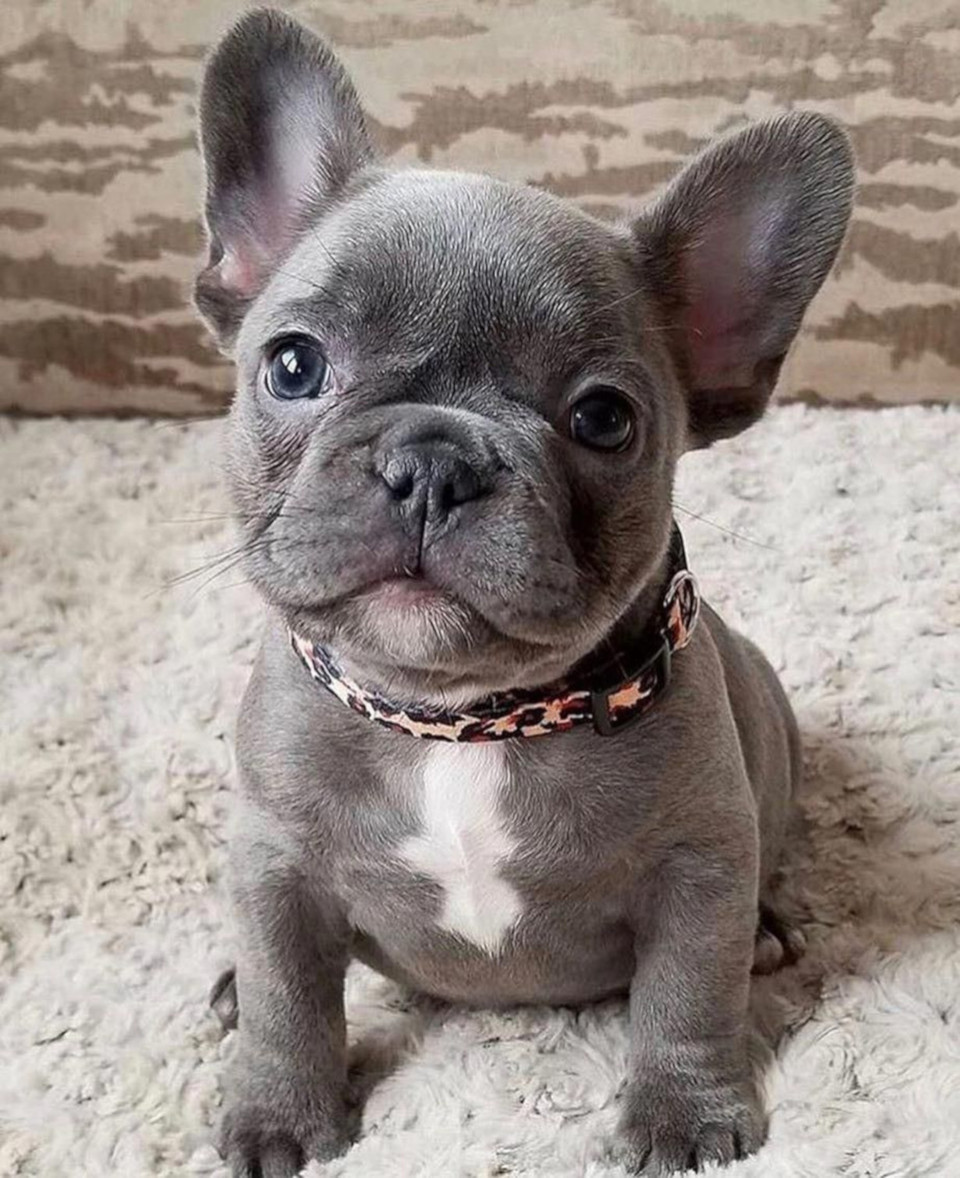
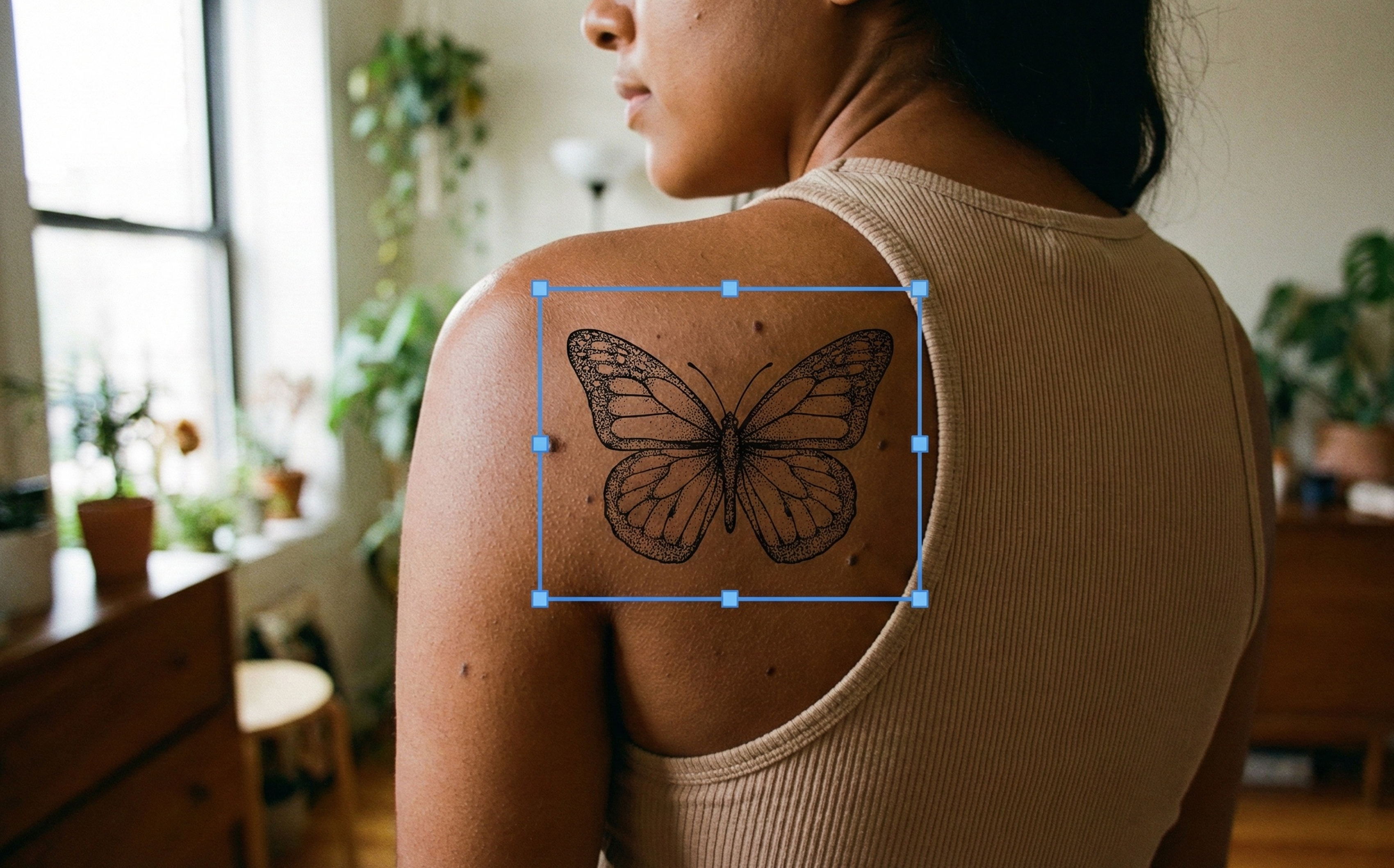
Your photo
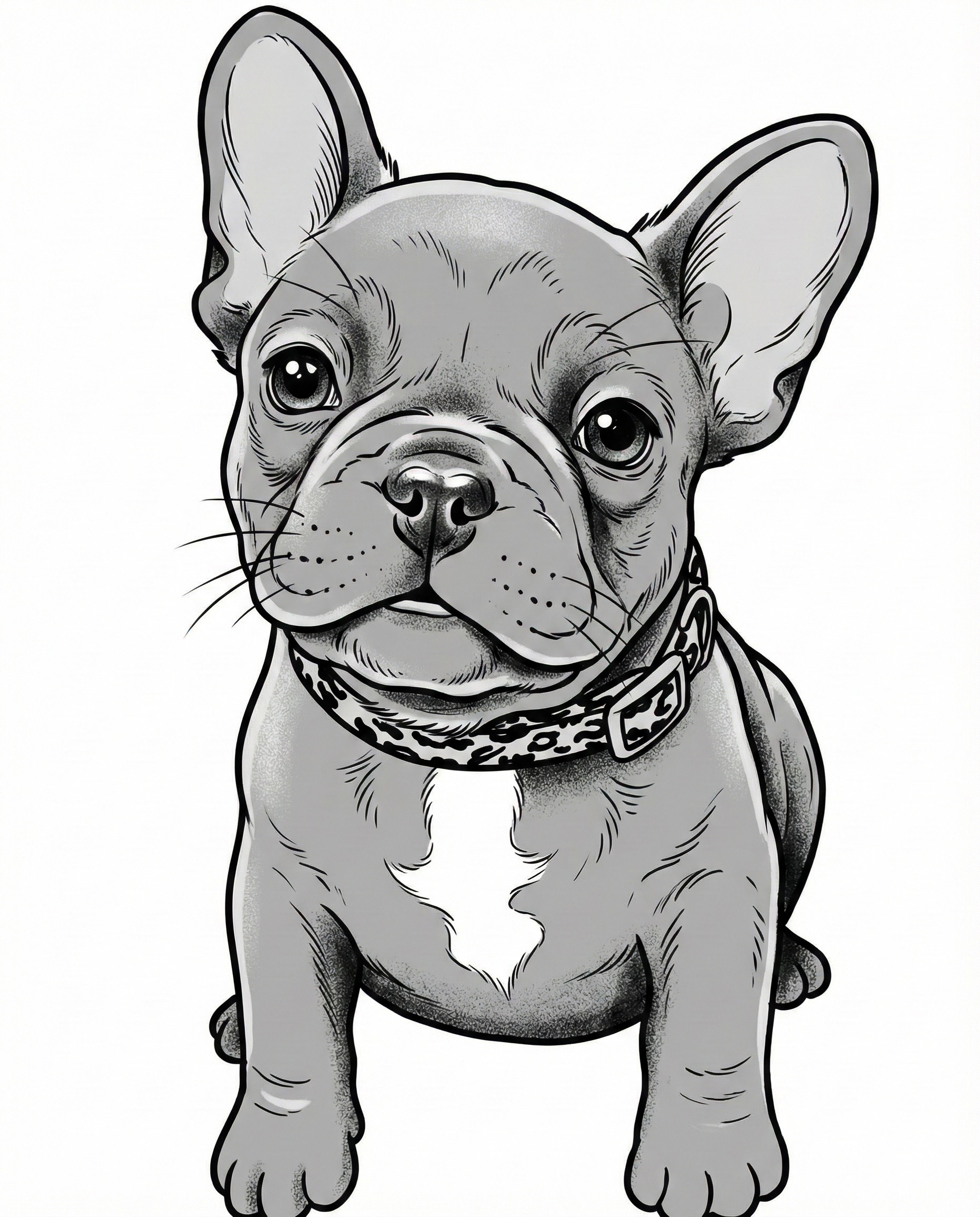
Tattoo design
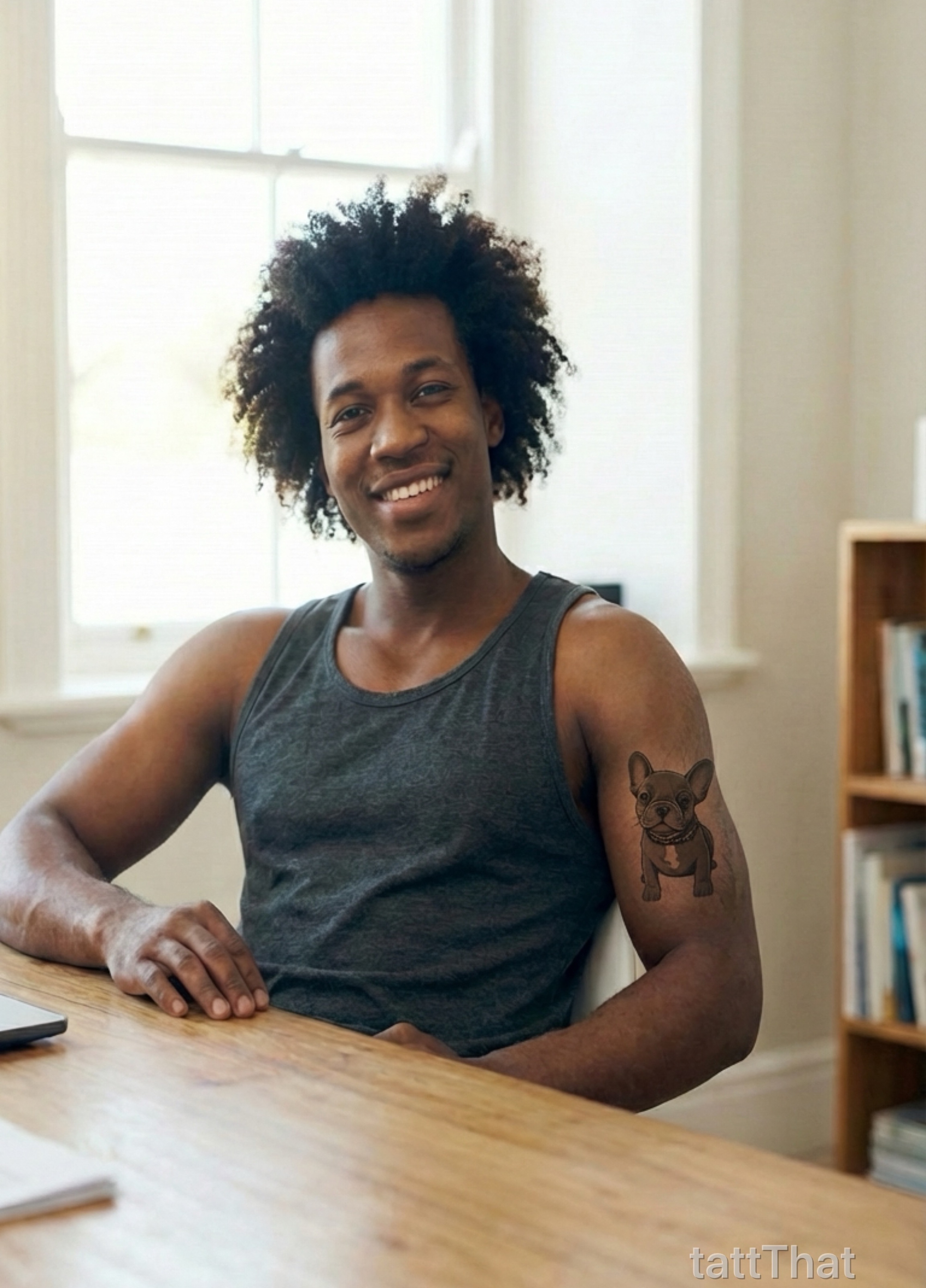
On your skin
Pet Portraits
Turn your furry friend into forever ink
Hand-drawn Sketches
See your own artwork as a real tattoo
Meaningful Memories
Photos, logos, symbols—made ink-ready
Stop Wondering
Finally see what you've been imagining
First Tattoo Nerves?
See exactly what it'll look like on YOUR body before you book. No more wondering, no more anxiety.
Finding the Right Spot
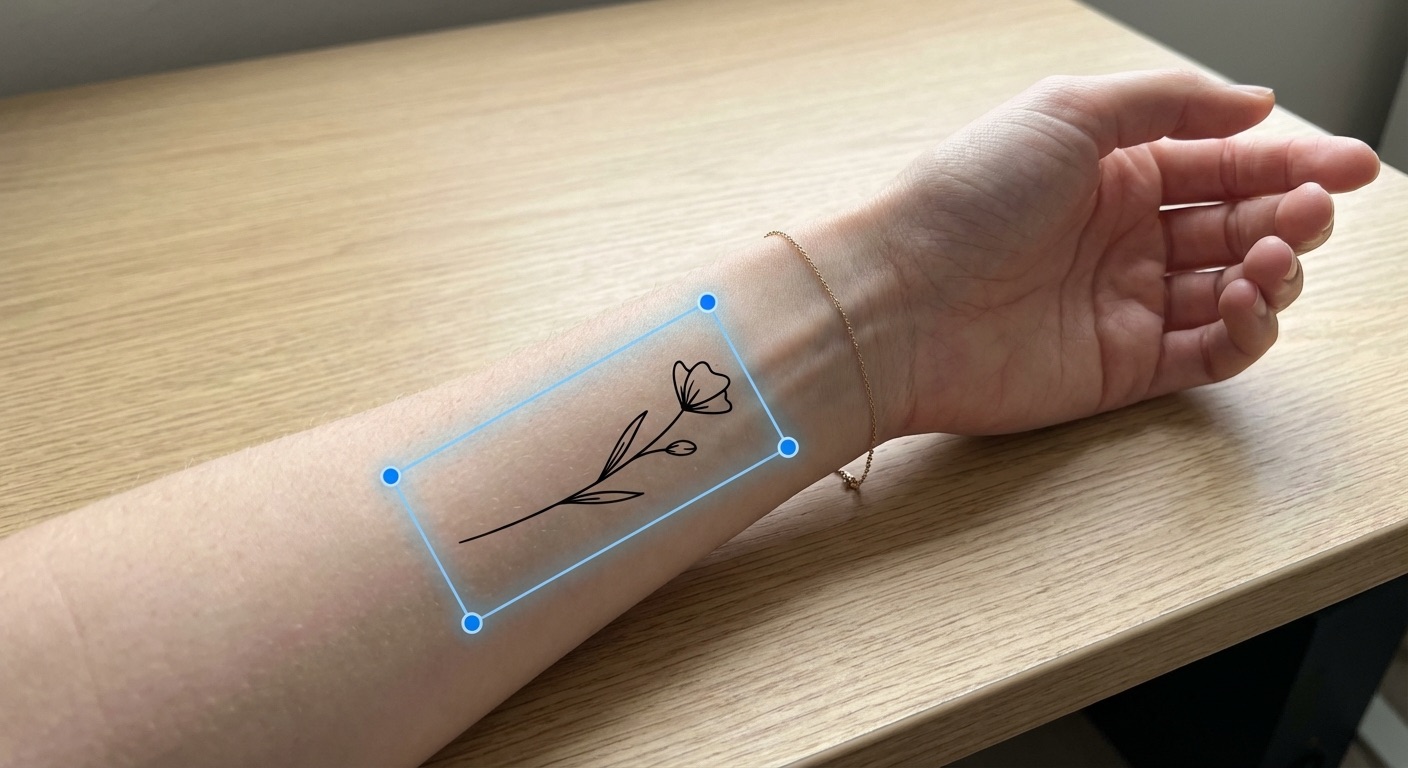
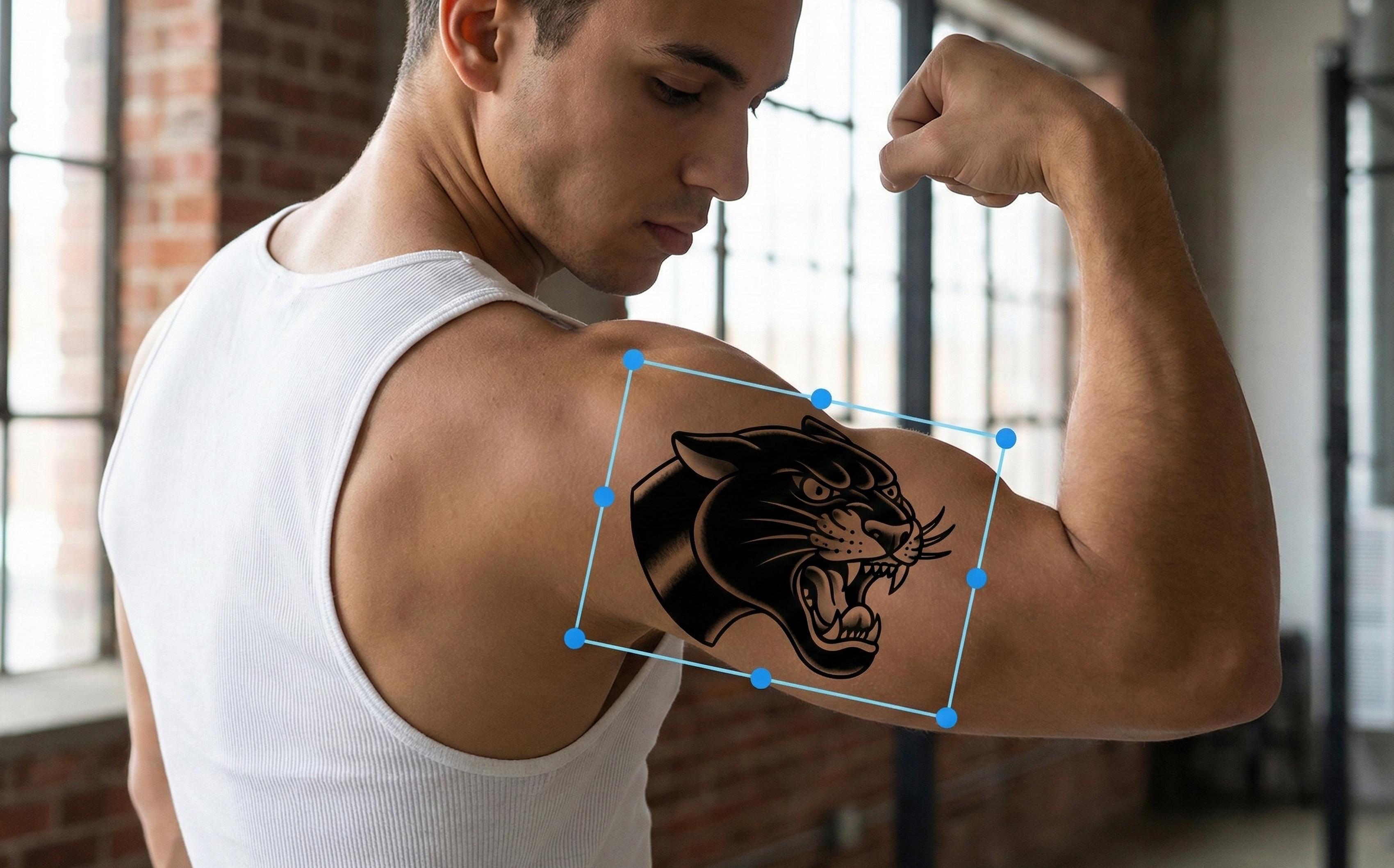
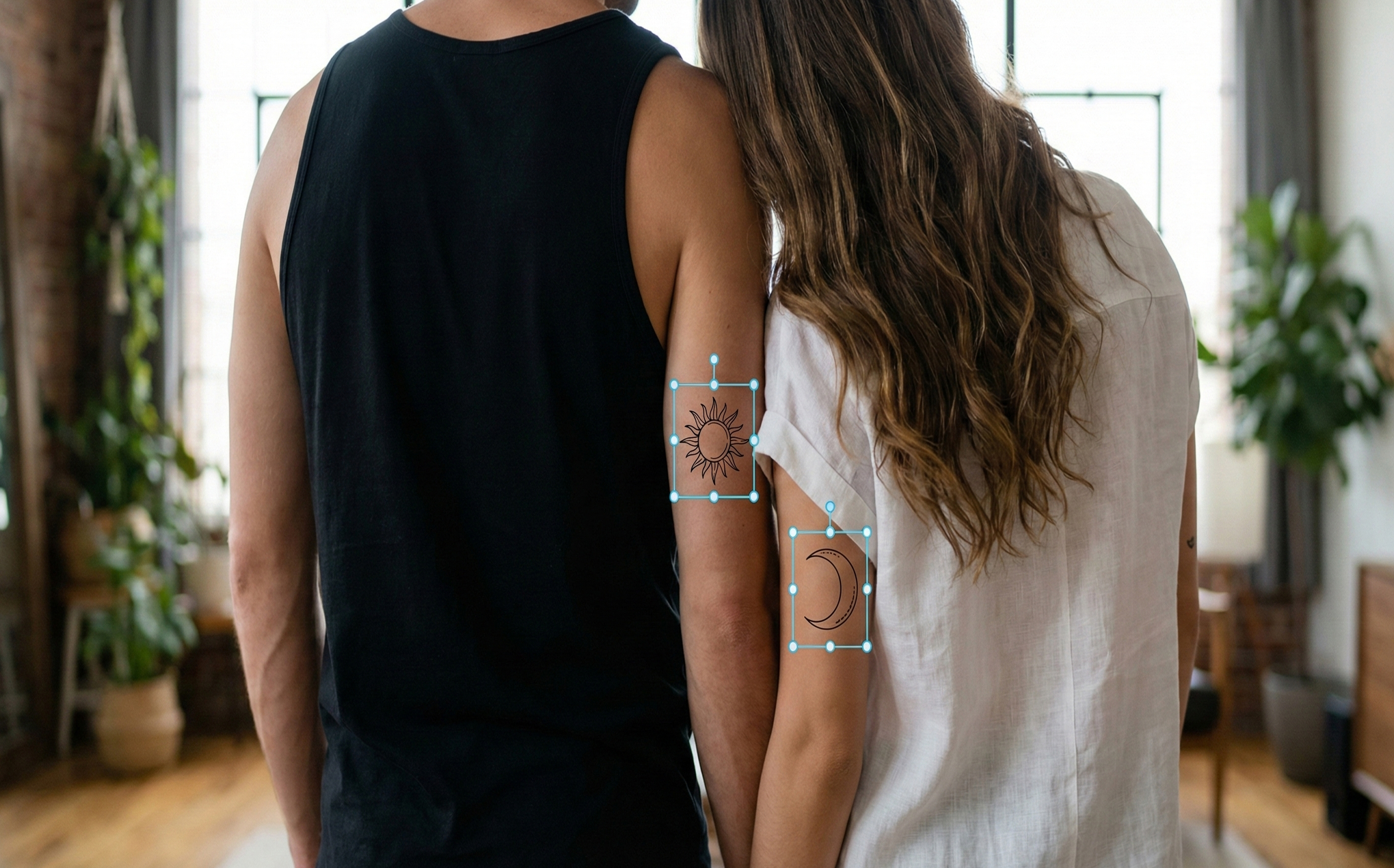
Arm? Shoulder? Back? Try different placements until it feels perfect. Drag, resize, rotate.
Custom Design Dreams
Turn any photo into a tattoo design. Your pet, a sketch, a logo—we'll make it ink-ready.
Convince the Skeptics
Need to show your mom first? Share a realistic preview before the conversation happens.
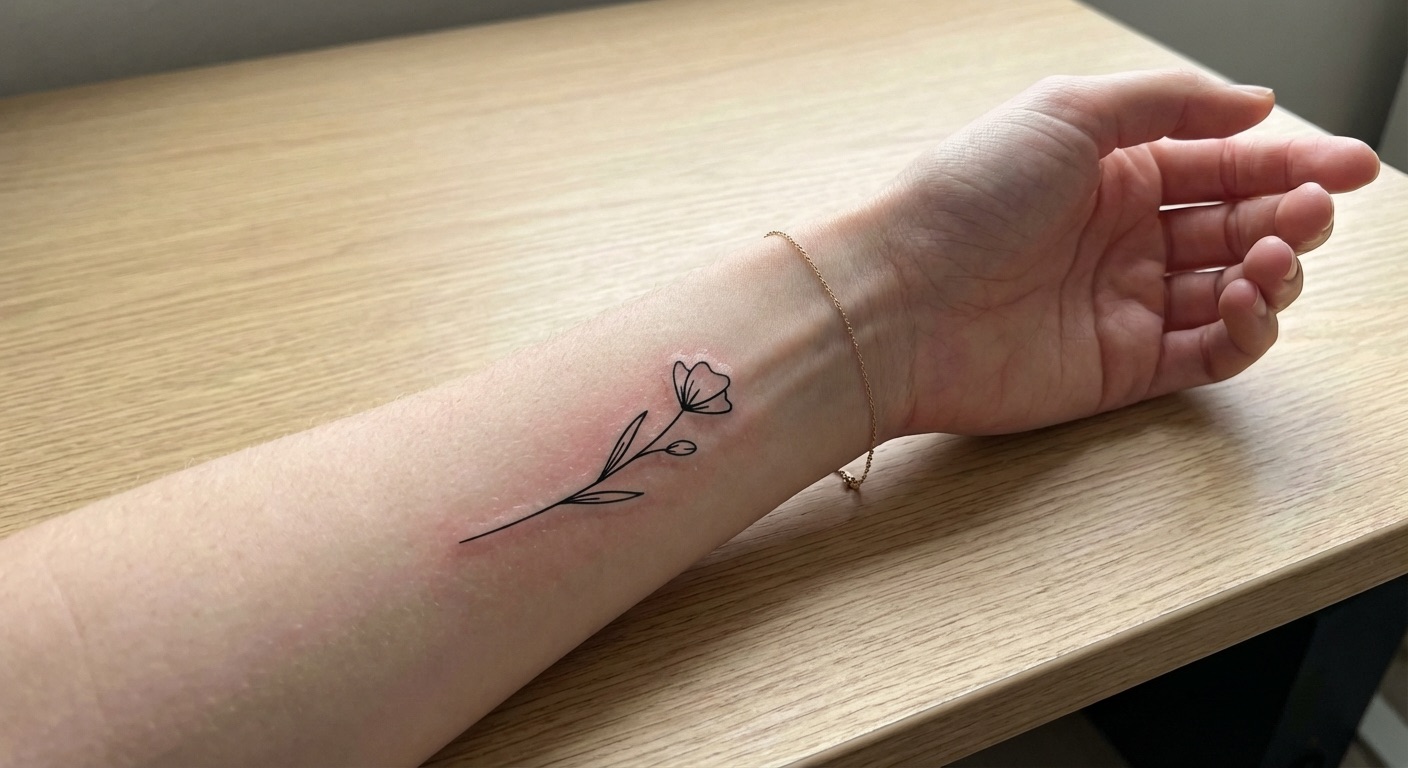
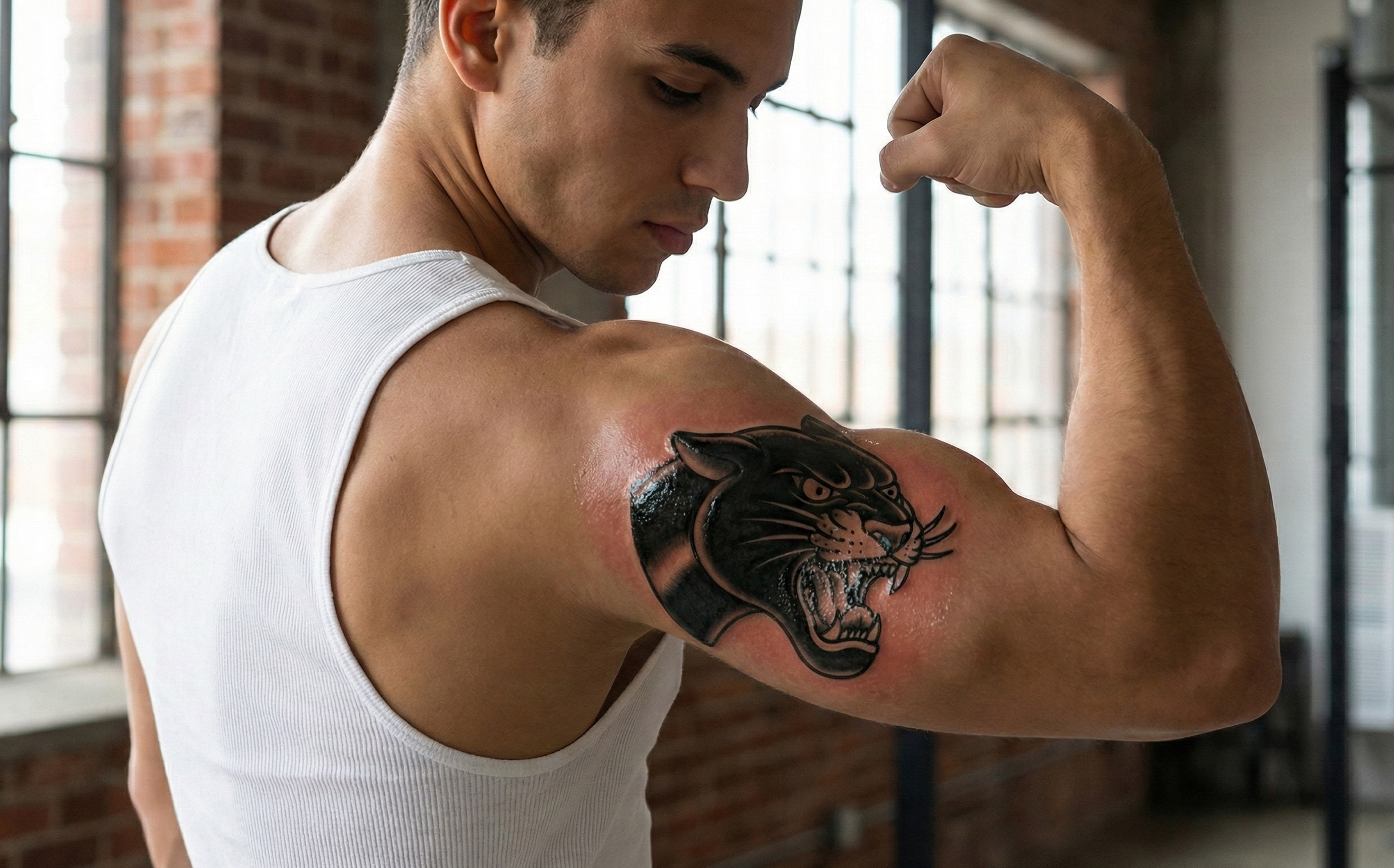
See the Results
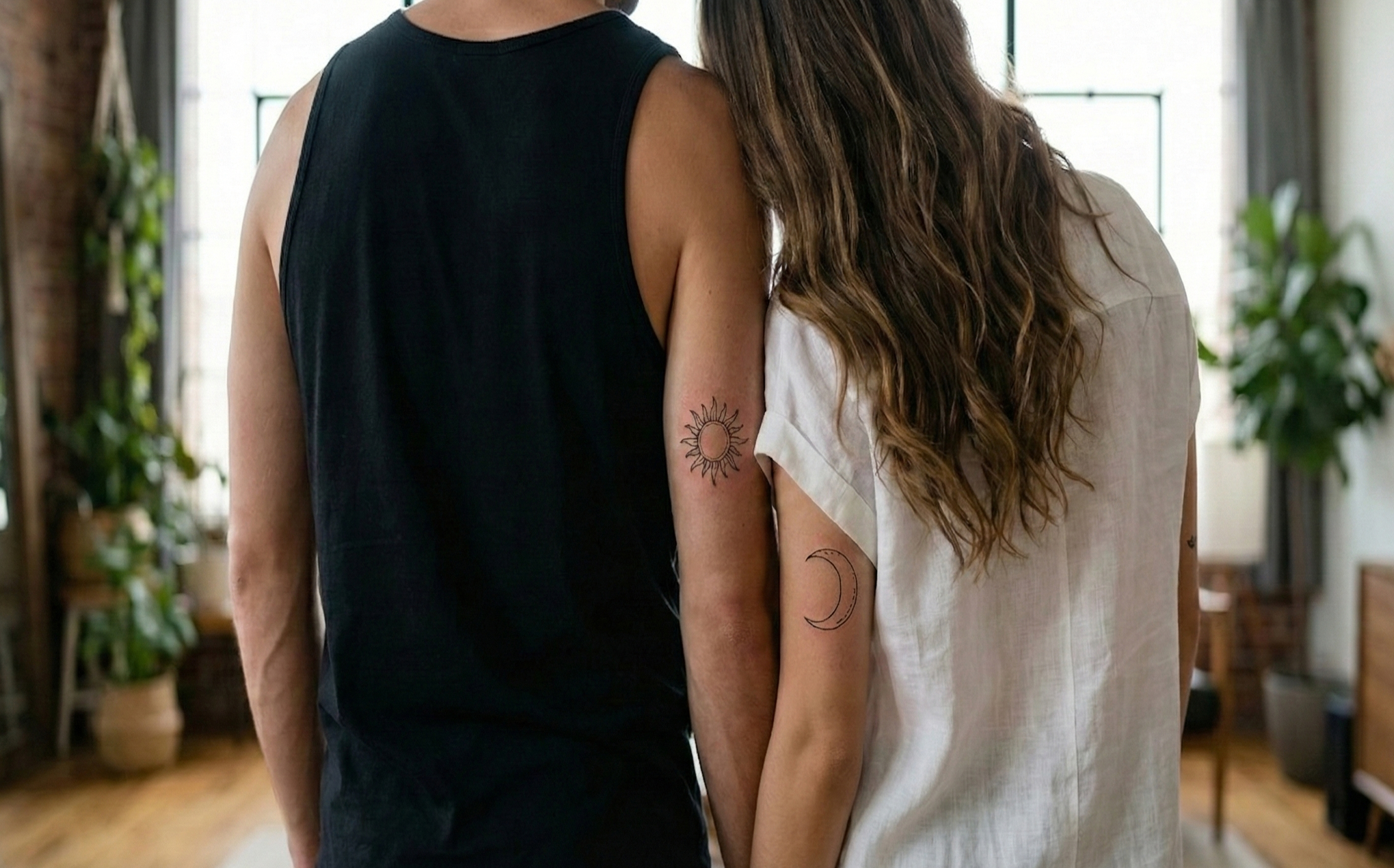
See what's possible
Frequently Asked Questions
Everything you need to know about TattThat
How can I see what a tattoo will look like on me?
With TattThat, simply upload a photo of your body, choose a tattoo design from our library or convert your own image, position it where you want, and see a photorealistic preview in seconds. It's the easiest way to visualize your tattoo before committing to real ink.
Can I design my own tattoo from a photo?
Absolutely. TattThat's custom conversion feature lets you turn any image into a clean tattoo design. Upload a photo of your pet, a sketch, a logo, or any image—we'll convert it into ink-ready artwork that you can then preview on your body.
How realistic are the tattoo previews?
The results follow your skin's contours, lighting, and texture. Many users share their previews and friends ask 'Is that real?' That's the level of realism we're talking about. Realistic enough to help you make confident decisions about your tattoo.
Is TattThat free to use?
TattThat offers 2 free tattoo previews when you download—enough to try the app and see the quality for yourself. Additional credits can be purchased as needed, with no subscription required. Pay only for what you use.
Do you store my photos?
Your privacy matters. Photos are processed to generate your tattoo preview and are not stored on our servers. We don't keep, share, or use your images for any other purpose.